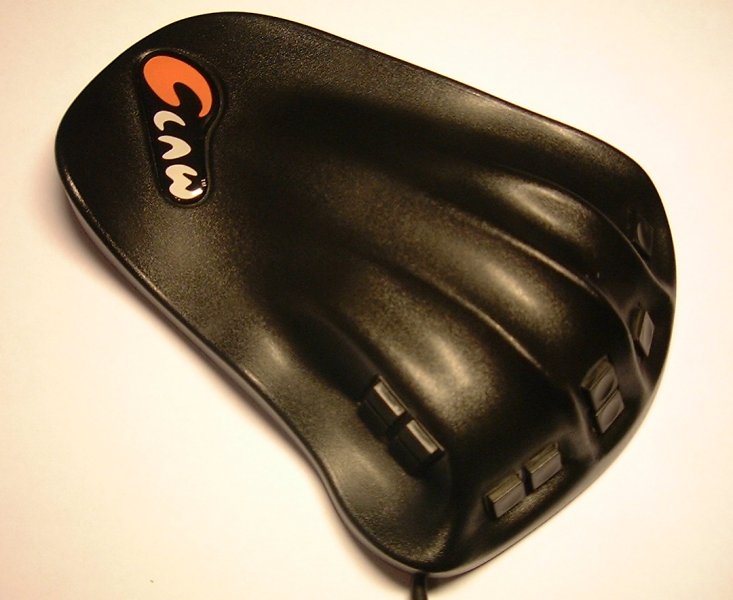
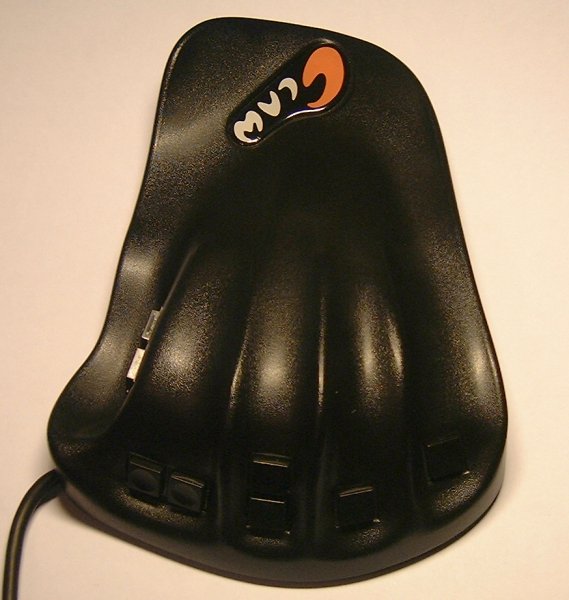
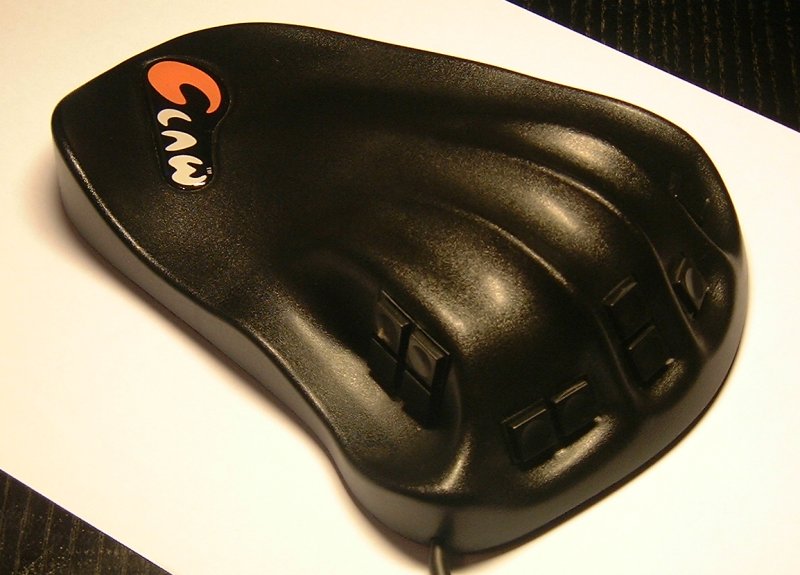
Behold the USB Claw, the Batmobile of gaming peripherals - sleek and versatile. Why's it called The Claw? Well, you place your hand on it as if you're clawing at the table, but the real reason's probably that it sounds cool. It's the same shape as the original Claw and that's a good thing. However, just about everything else has been tweaked or changed and that's also a good thing. Don't you love win-win situations?
Let me explain. A while ago I reviewed the original Claw at SharkyExtreme.com when I was Games Editor there. I'd send you the link to the article but a) it's easier to summarise it and b) I'd rather digest light bulbs than give internet.com some extra hits. Basically I decided The Claw was very comfortable but was crying out for a second middle finger button and buttons that were slightly easier to press down. Well, somebody at Ferraro Design listened; probably not to me in particular, but either way I got the fixes I was hoping for. The buttons seem slightly easier to press now while still giving a nice responsive click. There's also an extra middle finger button above the old one that makes migrating from a WASD configuration far, far easier. The most significant improvement over the old model though (and doubtless the one that required the most work to implement) is the change from a PS/2 connector to a USB one.
Unlike than the old PS/2 pass-through design of the original Claw, this version just plugs straight into a spare USB port and you configure it using a simple software program. Well, at least it passed my "only read the manual if you're seriously stuck" test. Beyond assigning keyboard keys to Claw buttons you can also configure it to play a .wav file, simulate a mouse click or wheel scroll or launch an application. You can even enter a key sequence up to 100 key-presses in length along with delays or "cycling macros" which let you assign multiple features to a button. For example in a driving game you could use it to turn on your headlights in one button press and turn on your wipers in another press of the same button.