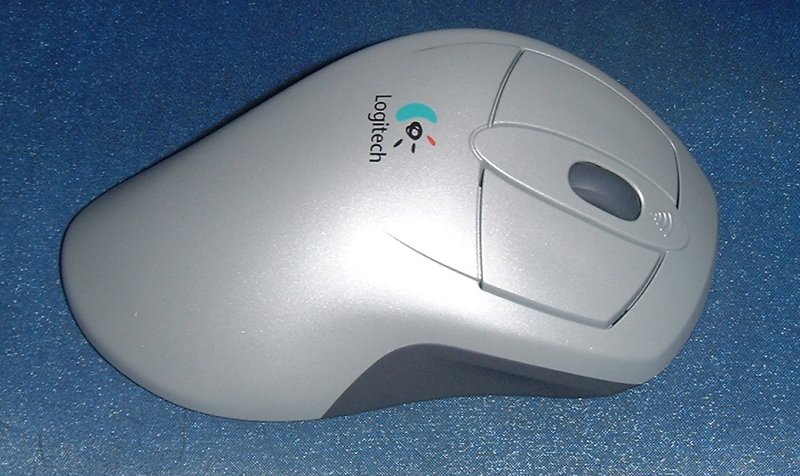
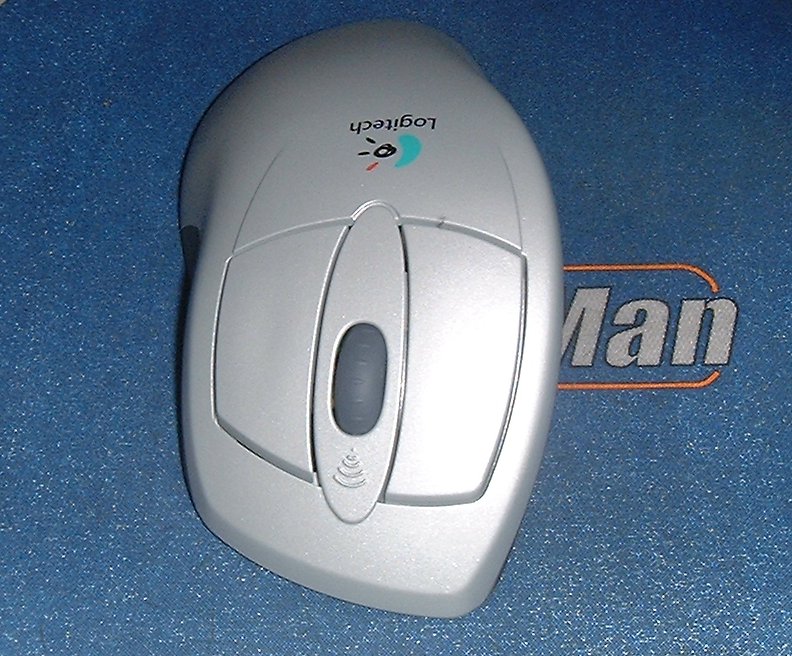
Mouseman Dual Optical
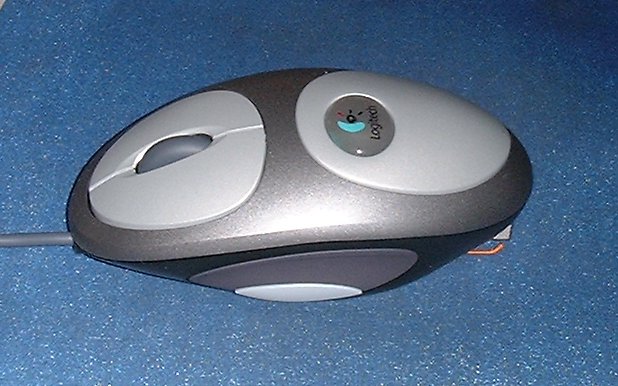
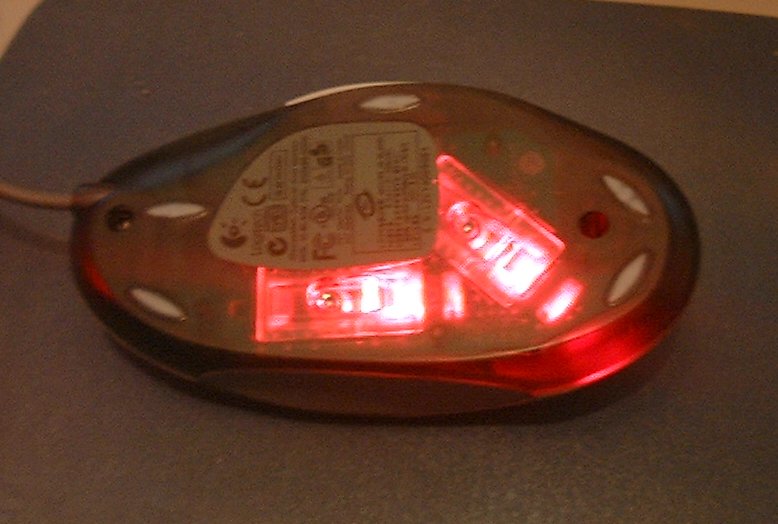
While Microsoft decided to improve on current optical mouse sensors by building their own, Logitech decided to use brute force instead. The result? The Mouseman Dual Optical which has two optical sensors underneath at a 45 degree angle to each other. Aside from looking particularly cool, Logitech promise that the new system offers greater accuracy and smoothness. Which it does, and it's almost immediately noticeable too. The smooth cursor movements are no doubt down to both the two sensors and the sensible Teflon feet on the bottom which are more numerous and larger than the Logitech norm. What impressed me most about the mouse is that it's invulnerable to twitch-syndrome. In other words, you can flick the mouse around as quickly as possible and it will still manage to keep up, unlike earlier optical mice. For a twitch gamer like myself, this improvement is particularly welcome.
How does it work? No idea. On the one hand I've heard that it decides which of the two sensors is best to use at any given moment, on the other I've been told that it uses both at the same time and averages out the two readings each time. I'll try and get hold of someone at Logitech for a definite answer and if I can gather enough information on the interesting technology I'll write a short article about it for you guys.
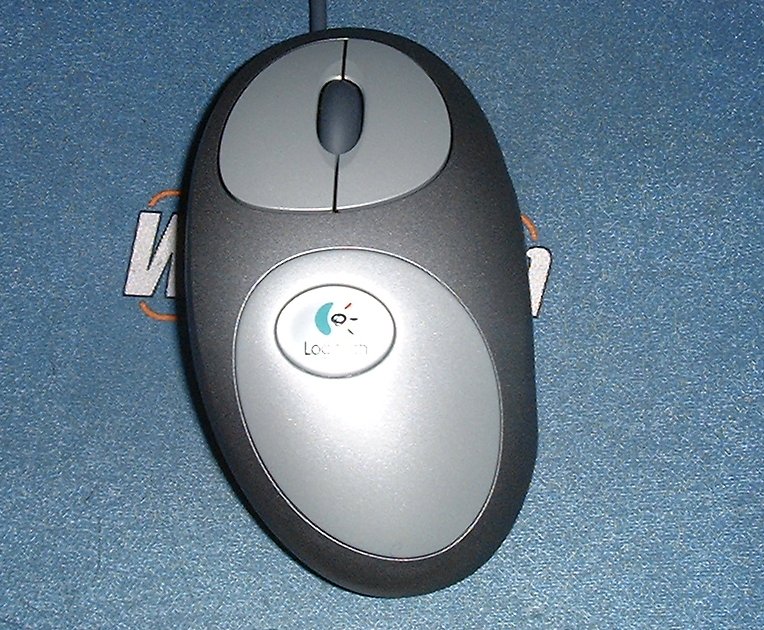
The shape is similar to the Cordless Mouseman Optical. It's slightly flatter than previous Mouseman shells, though it's still designed for right handers only. It's comfortable, though I find it perplexing that with each new mouse design the Logitech buttons tend to get smaller and smaller for no good reason other than appearance. It didn't prove a major issue during use, but it's still a change I can't understand the point of.
The wheel rotations produce a more noticeable click at each notch, although occasionally a turn of the wheel would not register, a problem that has plagued most previous Logitech Wheel mouse but is at least less noticeable in this mouse. There are two types of FPS gamers, and half of them won't like this mouse. Some grip the mouse with their whole hand and move their arm about to aim. Some games, like me, instead keep the wrist largely immobile and flick the mouse around using their finger tips. If you fall into the second category you won't be overly keen on this mouse shape because of the wedge and the width. For the rest of you though, this is a great Optical mouse rid of the problems previous optical mice exhibited.
The Verdict: Smoother tracking, no problems with twitchy movements, comfortable shape, funky twin sensors ladies and gentlemen, we have a winner!
Cordless Desktop iTouch
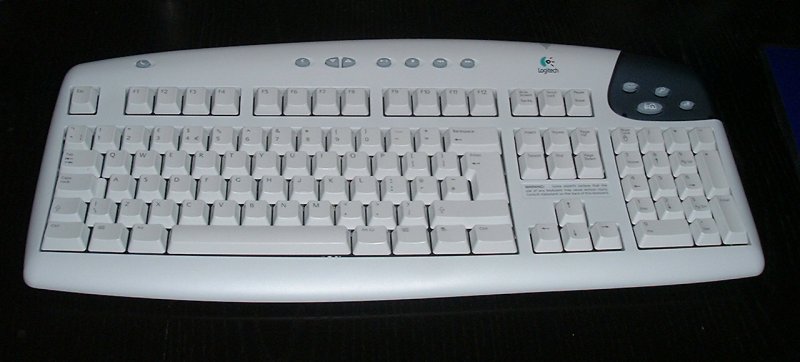
Right, now to explain why I'm seemingly reviewing the same product for a second time. You see, I asked Logitech's PR people to send me the vanilla cordless keyboard, as I said I would in the previous iTouch review, and they sent me what you see in the photos to the left. I suspect this model is just an older revision of the Cordless iTouch and without doubt it's much better for gaming than the newer Cordless iTouch. There is no slope to the keys on the bottom, which is especially significant with the spacebar and arrow keys. In testing the sloped arrow keys were very uncomfortable to use for gaming (mainly on old console games via emulator) and I missed the space bar a few times when trying to jump in an FPS. The older iTouch Cordless I'm reviewing here is just the original iTouch keyboard with a wireless unit shoved inside, and as I use the original iTouch keyboard for all my gaming you can imagine that I'm far keener on the older Cordless iTouch than the newer ones.
The iTouch keys don't take up much space, the volume buttons can be particularly useful for volume tweaking mid game and the regular buttons have a slightly squishy feel to them while clicking enough to assure you that you did just press a key. The only problem is the older Cordless iTouch only takes two batteries meaning it probably requires more frequent battery changes. The mouse that comes with the older iTouch Cordless Desktop is a plain cordless Mouseman with a ball rather than an optical sensor. The wireless technology used in both keyboard and mouse is the same reliable and mature Logitech wireless technology that so impressed me in the other iTouch review. Without doubt this original Cordless iTouch is the best available wireless keyboard for gamers. If you do decide to pick it up, make sure you get the older model - it's the one with the wedge shaped mouse and the non-sloping space bar.
The Verdict: The Mouse is nothing remarkable, so unless you like ball mice and the Mouseman shape you might want to replace it with the nicer Cordless Mouseman Optical, but the original Cordless iTouch keyboard is perfect for wireless gaming.
By Pete Closs
Editor