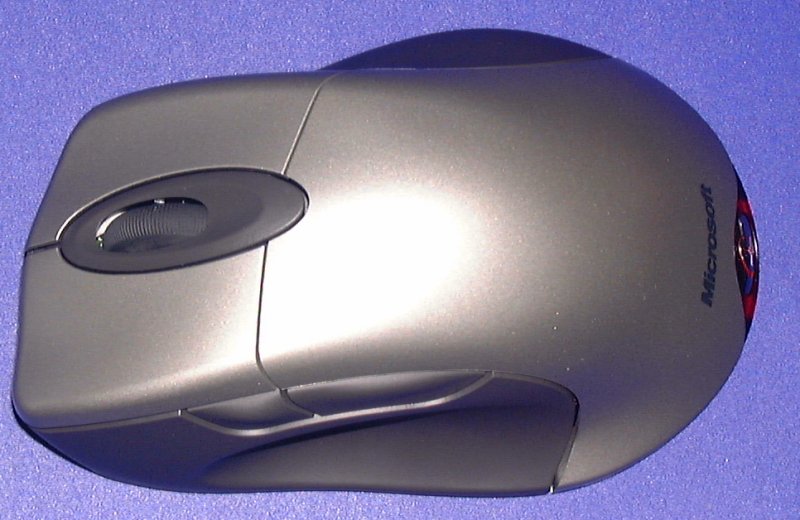
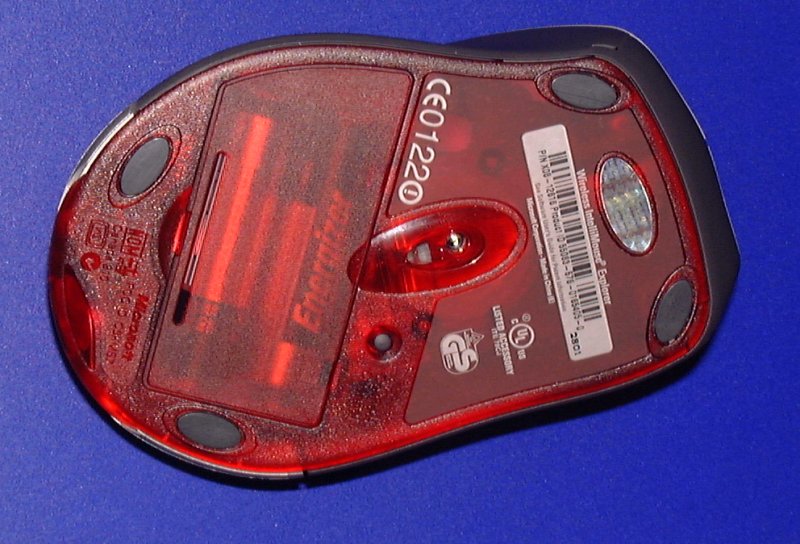
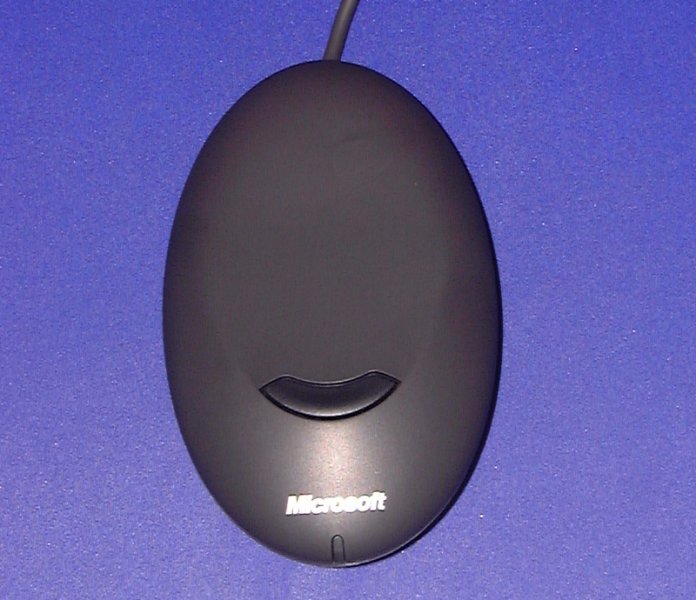
You'd think this was a match made in heaven, wouldn't you? Convenient wireless technology combined with an optical mouse using a new, very precise optical sensor. Microsoft developed the sensor to eliminate problems with "twitch" that older optial mice have exhibited. If you flick the mouse in one direction quickly the pointer doesn't get lost as the new Microsoft optical sensor can scan the desktop 6000 times a second. After a bit of experimentation (in other words I flicked the mouse around madly and the windows pointer was able to keep up) it was obvious that the optical sensor was up to scratch, but of course there's more to the mouse than its sensor.
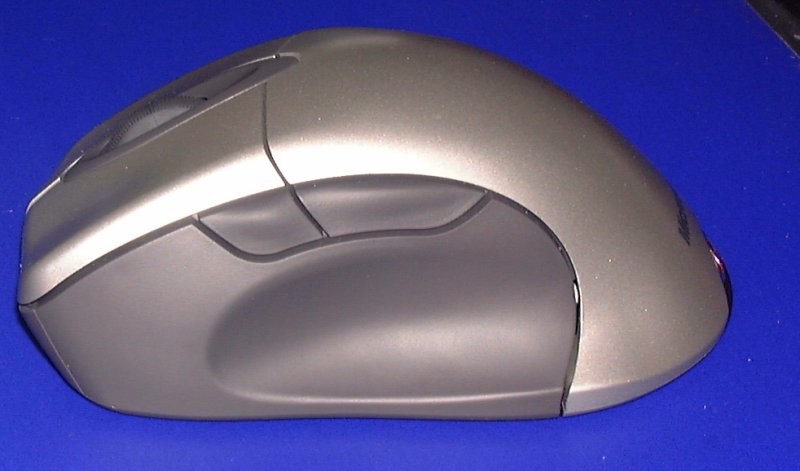
At first glance it looks very similar in design to the regular Intellimouse, but there are differences. There's now a deep thumb groove along the bottom of the left side, and the two thumb buttons are now placed above it. Sadly this makes them harder to reach, especially if you need to quickly flick one or the other during a game. The rearward button is easy enough to reach, but since I have my hand quite far back when I hold a mouse the front button was a pain to click. Other than that it's the standard comfortable Intellimouse design with a bump towards the rear of the mouse that supports your hand in the middle of the palm.
So, decent shape, cutting edge optical technology, what about the wireless technology? Well, it ain't good. Having been spoilt by the excellent Logitech wireless technology with almost zero noticeable lag, the wireless technology in the Intellimouse Wireless came as a big disappointment. I first tried using it for desktop work for a few days to try and get used to it, and utterly failed. I repeatedly missed buttons, ICQed the wrong person by mistake and opened the wrong program time after time just because of the very noticeable lag. Using the Intellimouse Optical was like walking in lead shoes, you almost had to kind of wrestle with it to get it to click the exact spot you want, and when I went back to using my Logitech Mouseman Optical I felt nothing short of relief. Also, and I'm not sure if this is the fault of the optical or wireless technology (though I suspect the latter), it doesn't seem to transmit very small mouse movements well, making it next to useless for sniping. I once managed to very slightly nudge it twelve times without my cursor moving a pixel. Needless to say, when I tried gaming with the mouse my performance was way below normal. When I tried the Star Wars: Galactic Battlegrounds demo it often took two or even three tries to select the unit I wanted unless I moved the mouse at an unacceptably slow and careful rate. While I'm almost always in the top three of a public Action Half Life game (I play that game way too much), the Intellimouse Explorer left me soundly placed right at the bottom ranking in each game, and its inaccuracy even made me accidentally Team-Kill twice in one round, something I've never done before.
The software is the same fully featured IntelliPoint software bundled with all Microsoft mice, but it did little to raise the usefulness of the mouse up a notch. In their press release Microsoft jokingly called their cordless mouse a "hamster", because it's like a mouse with no tail. I don't buy it. Fittingly enough, I wouldn't recommend you buy this wireless mouse either. It would be fine were it not for what seems to be incredibly sub-par wireless technology that single handily leaves this mouse well below the usual high standard of Microsoft hardware.
The Verdict: Microsoft's first attempt at a wireless mouse is a failure, pure and simple, almost totally due to the inferior wireless technology. If you're desperate to try a wireless mouse, try a Logitech one first as their wireless technology is clearly far more mature and usable.
By Pete Closs
Editor