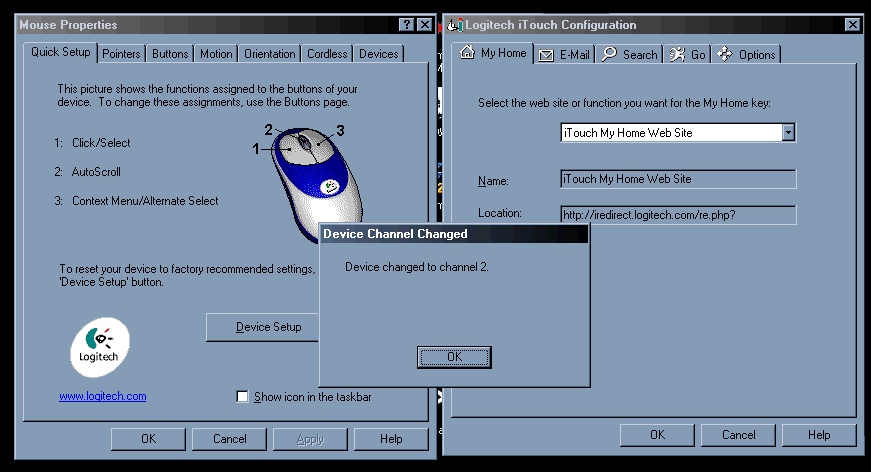
The final significant aspect to a cordless peripheral is battery life, and Logitech have clearly gone to some lengths to prolong battery life as much as possible in the Cordless Desktop iTouch. For one, there aren't any LEDs on either the mouse or the keyboard, even though LEDs drain precious little energy. The Caps Lock and Num Lock indicators are instead little tray icons (you can see them in the bottom right of one of the shots on the left).
Despite my minor complaints, the Cordless Desktop iTouch is an excellent wireless keyboard and mouse setup. The minor niggles I mentioned are only really a problem in FPS games, so if they're not your thing then this is certainly one of the best cordless options available. However, for FPS gamers and those looking to save a few pounds on what is already an expensive, if tempting, peripheral option, the regular Cordless desktop with its more conventional key layout is probably your best choice. It also costs around 15 pounds less (45 pounds instead of around 60), though it lacks the useful iTouch buttons.
The Verdict: Whether you get this or the cheaper, more conventional vanilla Cordless Desktop really comes down to price and whether or not you want the extra iTouch buttons at the expense of the odd sloping buttons at the bottom of the keyboard. If you're after a cordless keyboard and decide on the iTouch Cordless desktop, I can't see how you'd be disappointed, assuming none of the points above bother you. I've yet to try the regular Logitech Cordless Desktop but I'll see if I can swing a review for you guys to try and confirm my suspicions.
By Pete Closs
Editor